 The Boardroom
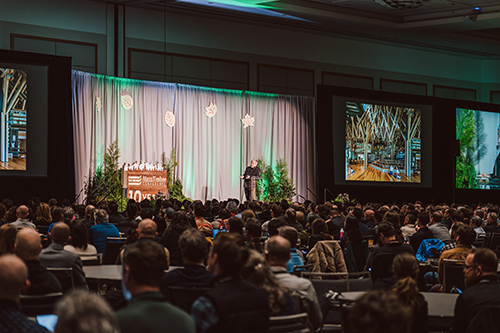 Keynote Presentations
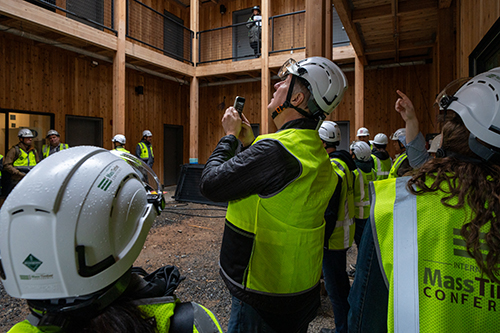 Building Tours
 Workshops
 Book Your Hotel »
 Negotiated Airfare
 Reserve Your Booth »
 Sponsorship Guide »

Mobile App
When you join us this March in Portland, your experience starts long before you step foot inside the Oregon Convention Center. We have officially launched our IMTC 2027 mobile app, and with it our networking and show planning ecosystem. This turns your phone and computer into a pre-show business engine.
Our registered attendees can now go behind the scenes to source products, solve project challenges, and soon lock in high-value meetings using our next-gen tools.
Ask technical questions, discuss project specs, and begin building relationships. Connect with peers and exhibitors starting now.
Track must-see sessions, organize and flag suppliers, and save your own private notes to streamline your business intelligence.
Secure private, high-value meeting times with target suppliers and producers before their calendars fill up. Activation coming soon.
Plot your custom floor plan, click save, and optimize your physical walking path through the exhibit hall. Currently in development.
Instructions for Downloading
Step 1. Register for the IMTC 2027 event.
-
- Keep your confirmation email handy as you’ll need your registration confirmation number for Step 3.
Step 2. Download the mobile app, listed as “IMTC 2027” in Google Play or the App Store.
Step 3. Create a My Show Planner account.
-
- You must use the same email address you used to register for IMTC.
- You will also need to enter your registration confirmation number.
- Your My Show Planner account is fully accessible across BOTH desktop and mobile devices.
Step 4. Sign into your My Show Planner account inside the mobile app. You’ll only have to sign in once.
-
- Opt in to networking: Turn on visibility so fellow attendees can find you, send messages, and request 1-on-1 meetings.
- Complete your Profile: Select which days you’ll be on-site and what your professional interests are.
- Selecting interests helps Ask Lina, our built-in AI assistant, tailor session, exhibitor, and networking suggestions.
Step 5. In the mobile app, tap the Planner icon on the bottom row of buttons, then tap Networking to connect with peers.
-
- Inside Networking, use the Search tab to find and connect with other attendees.
- Use the Floor Plan or the Exhibitor List/Exhibitor Search to find, save, and contact exhibitors.
- Everything you save and connections you make on the mobile app sync seamlessly to desktop and visa versa.
High Impact Features – Rolling Out Soon
-
- Book 1:1 or group meetings to take place during IMTC in Portland.
- Let the Ask Lina AI tool recommend exhibitors and sessions to build your schedule AND ask it questions if you need general show information (e.g. When does my tour meet for the bus? Is there food before?)
- Get turn-by-turn wayfinding instructions.
Troubleshooting & Support
 Mobile App Support • Joshua Sallee
jsallee@masstimberconference.com
linkedin.com/in/jsallee
+1 (727) 425-4763
View FAQs or Submit a Ticket
Registration Portal Support • MCI
imtc2027@jade.mcievents.com
+1 (972) 349-5453