 View the Agenda
 Book a Building Tour
 Book Your Exhibit Space
 Explore the Exhibit Hall
 Become a Sponsor
 View Sponsors & Partners
 Reserve Hotel Rooms
 Discounted Plane Tickets
 Read Case Studies
 Download Past Reports
AI Upgrade
We’re Supercharging Your IMTC Education Experience with NoteAffect
NEW for 2026, we are giving you use of the NoteAffect platform to change the way you engage with this year’s educational sessions.
Maximize your ROI and learning at the conference
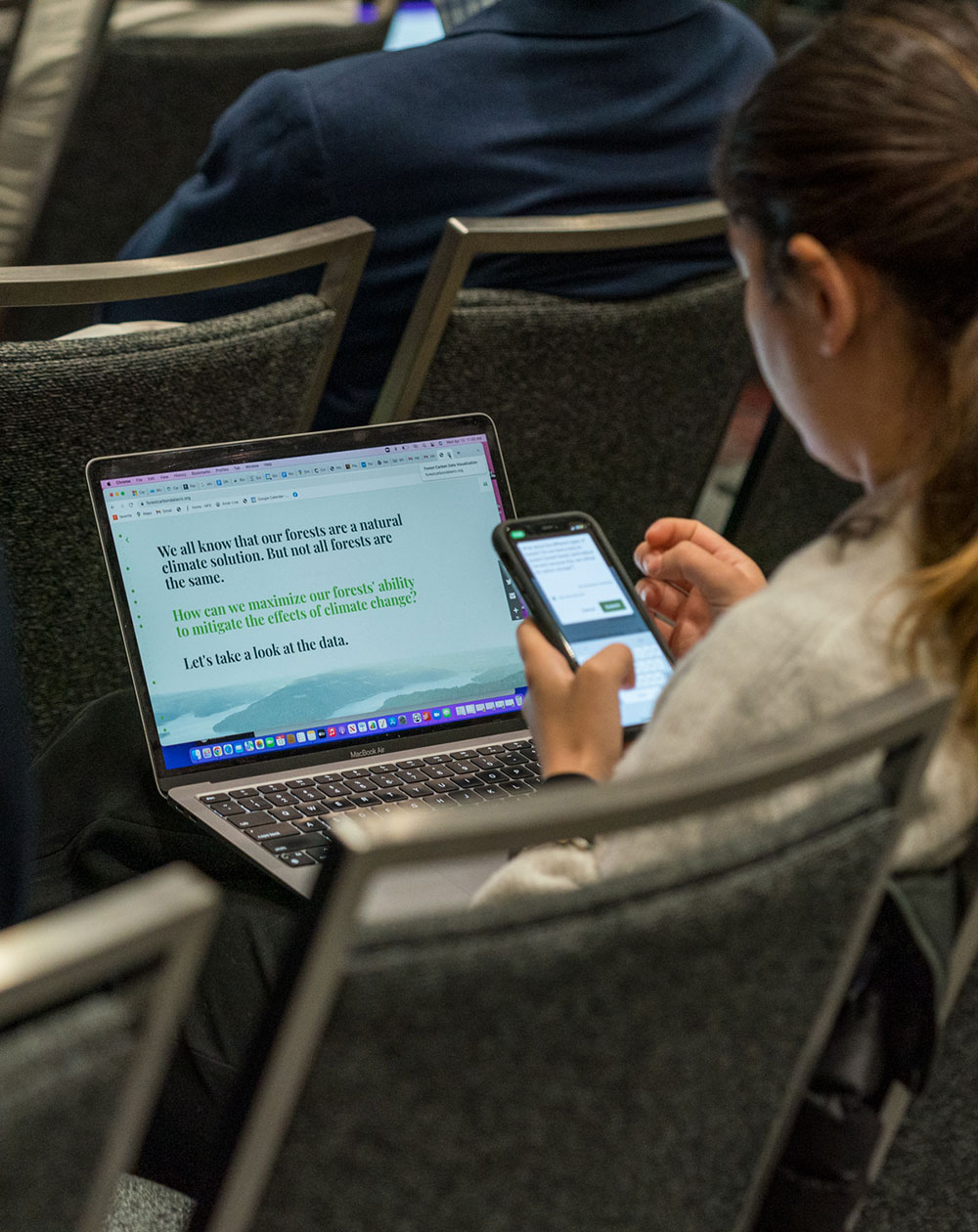
NoteAffect AI-powered learning tools allow you to get access to (most all of the) presentation PowerPoints and PDFs on your digital device — during & after sessions — so you can…
- Take notes, bookmark slides, highlight, and annotate in real-time directly on live presentations.
- Follow along with multilingual live captioning just like you watch your favorite shows.
- Ask questions & interact with peers using Q&A.
- Watch recordings — available minutes after the session ends — and download slide handouts with AI summaries & your personalized notes.
Learn more
Take less than 2 minutes right now… CLICK HERE to see NoteAffect in action.
How to Access and Use
Before the Session
- Download the event app | GET IT HERE
- Log into the app | Use the same email as your conference registration. A four-digit code will be sent to your email and/or mobile phone.
- Click “Access NoteAffect” on the app homepage | Or search for a specific session in the Agenda and click the “Access NoteAffect” link at the top of the session’s page. NoteAffect is a browser-based tool, so you will be taken to your device’s internet browser.
- Log into NoteAffect | Use:
- same email as your IMTC registration, and
- registration confirmation number*
* Find your confirmation number on your name badge, or in the email you received after purchasing your pass.
NOTE: You don’t have to use the event app. You can access and log into NoteAffect by scanning the QR code on the presentation screen at the beginning of each session, or the QR code on the signs in the track rooms.
Download and log in support
If you have trouble downloading the event app, see the MCI team members at the registration desk.
If you have issues logging into NoteAffect, the session will be recorded and can be accessed later, so don’t worry about missing anything. Event staff at the registration desk have limited abilities to help with troubleshooting, but will try their best. Try contacting NoteAffect support VIA EMAIL.
During the Session
NoteAffect will broadcast live presentation content from the big screen directly to your digital device. No changes or actions from you are required.
Make sure you are in NoteAffect on the appropriate page for the session you are sitting in and click “Live Presentation” if the tool hasn’t automatically done so.
Q&A
Ask questions inside the NoteAffect tool. Your question(s) are anonymous and will be projected onto the screen automatically when Q&A begins.
Upvote questions in NoteAffect and move them higher up the feed, giving moderators cues as to what questions are most popular and that need to be addressed first.
After the Sessions and Once the Event Has Concluded
Watch the recording of any session — once it’s concluded and if your attendee pass allows access — and download a handout with AI summaries and personalized notes.
You can view the session recordings on your desktop and laptop computer or any mobile device. Just click this link:
https://imtc2026.noteaffect.com
To log in: Use the same Email as your IMTC registration and your Registration Confirmation Number. (Your registration confirmation number can be found in the confirmation email sent to you when you registered, and in follow-up emails sent after the conference.)
Choose the desired session, and then select “Recording & Notes.”
The recordings have been segmented into bite-sized chapters with AI summaries to make your review easy and efficient.
You can also “Export Chapter Summary & Notes” to download a handout of the session visuals with AI summaries and your personalized notes.
In Recording & Notes, click “Export Chapter Summary & Notes” on the right.
Recorded presentations will be available through May 29, 2026.